Sahil Saleem
Dubai·· ··
iPhone appiPhone · Dark
Suede Cam.
A plain camera for photos only. Simple manual controls and film-style looks, nothing else in the way.
It strips away the post-processing iOS normally does.
Beta testing in progressiPhone only
On the phone
Screenshots.
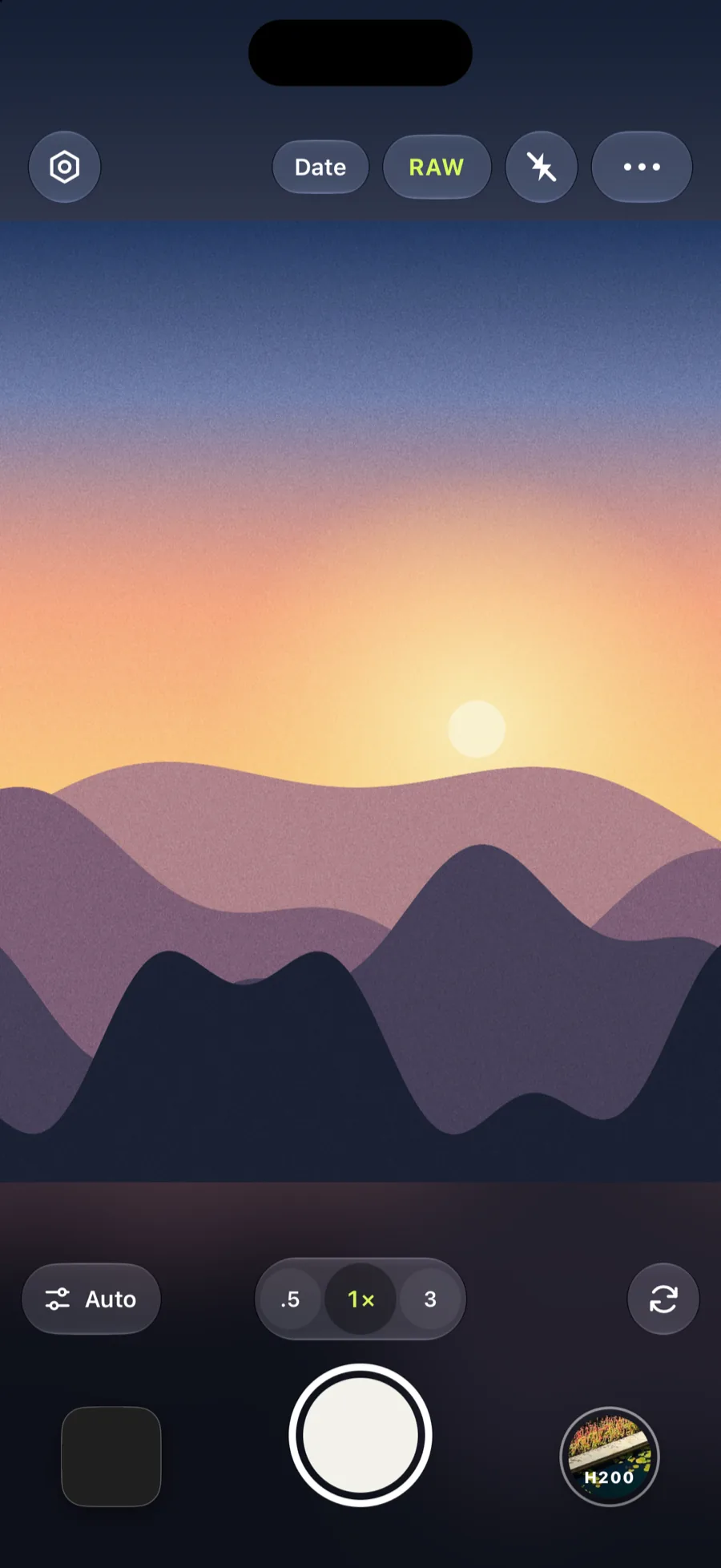 Camera
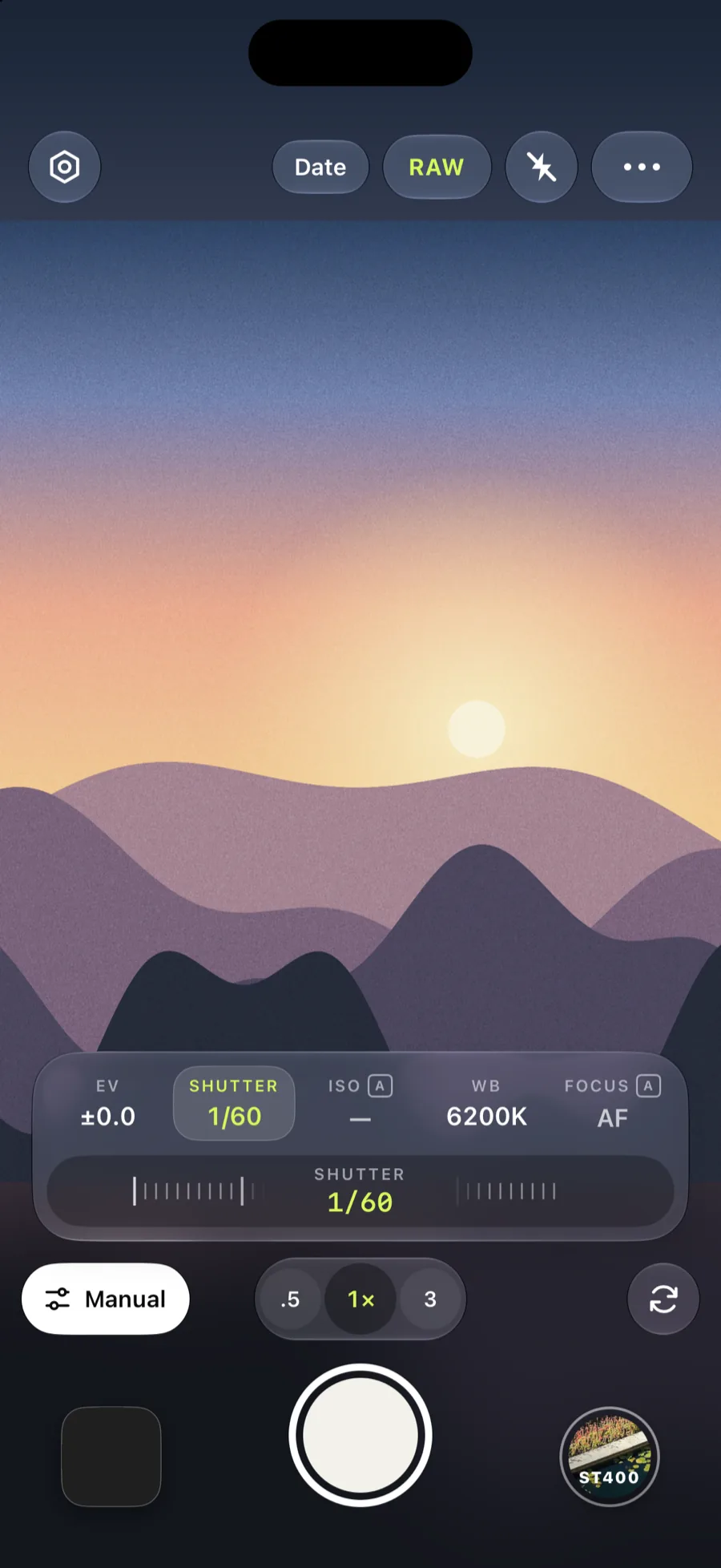 Manual controls
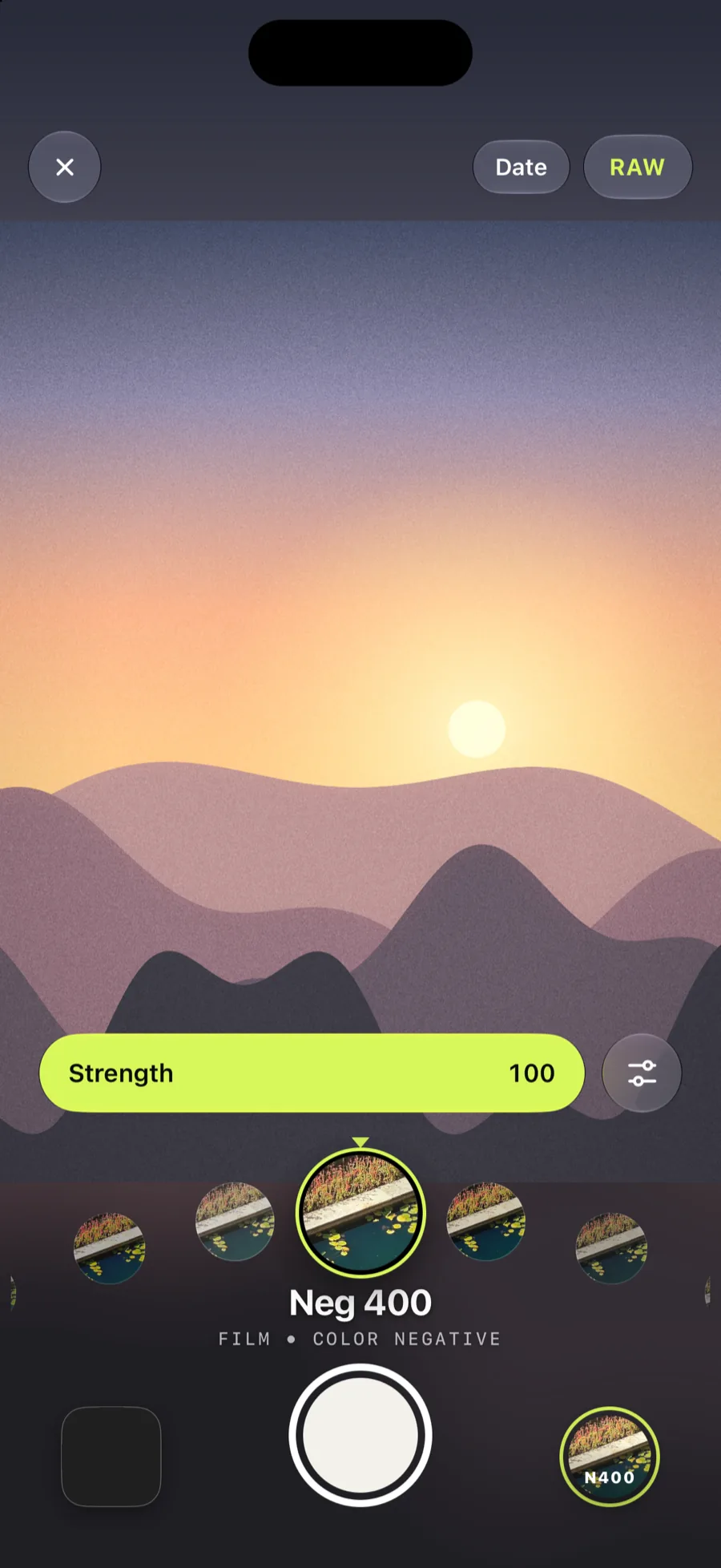 Looks
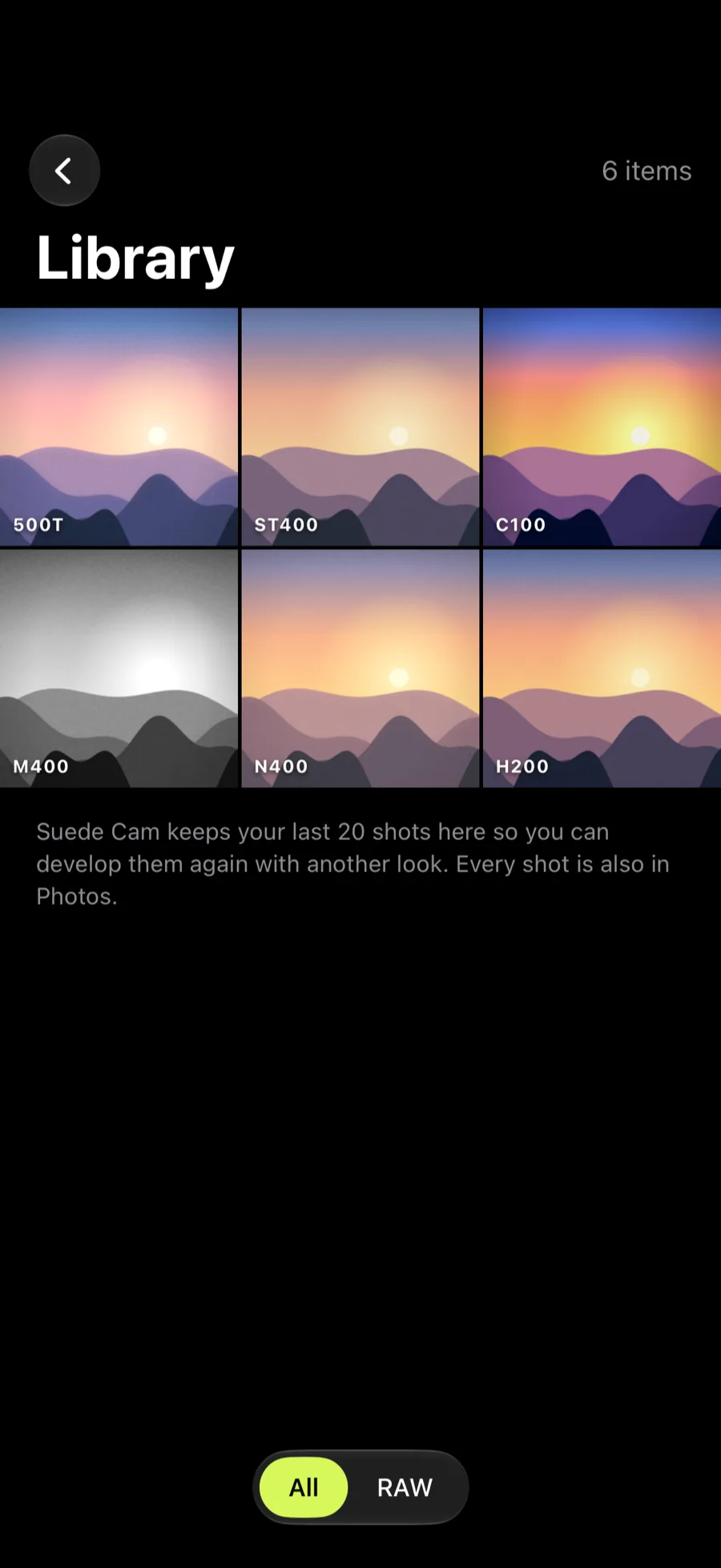 Library
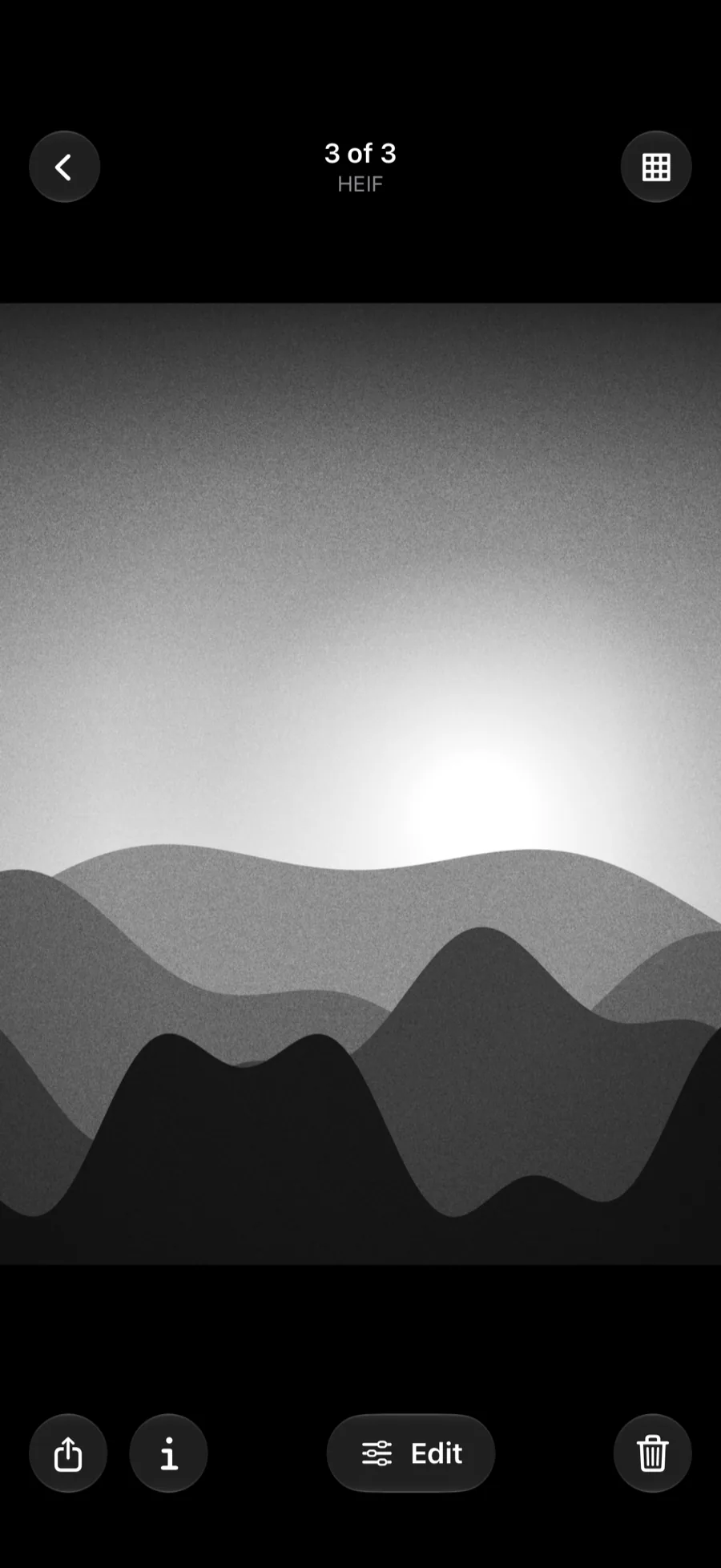 Viewer
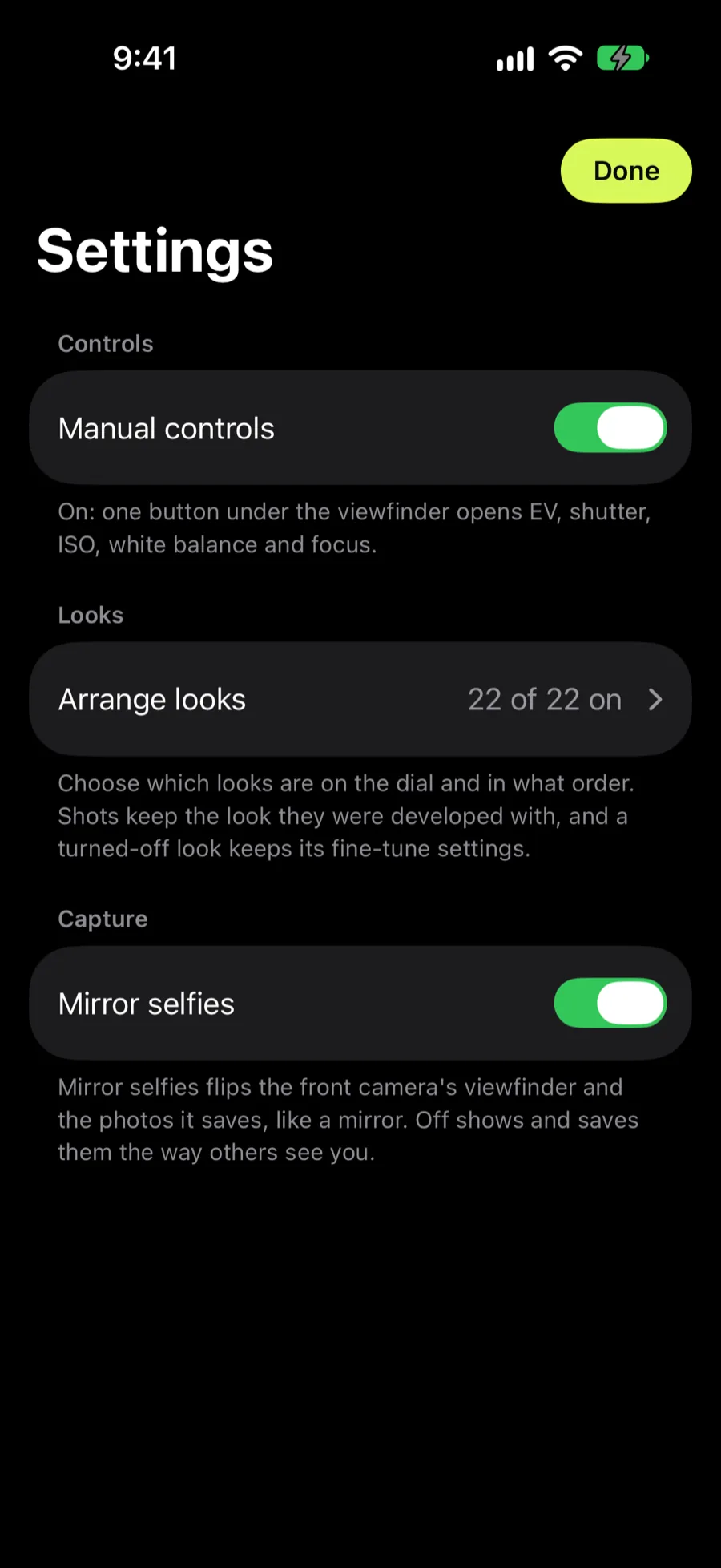 Settings
Straight from the app
Shot with Suede Cam.
- Example photo coming soon
- Example photo coming soon
- Example photo coming soon
Film-style
Looks.
About twenty looks, from a faithful Natural to grainy mono. Reorder them, or turn off the ones you never use, in Settings.
- Natural
- CCD '04
- Phone '08
- Neg 400
- Honey 200
- Postcard 200
- Snapshot 400
- Studio 160
- Studio 400
- Studio 800
- Vivid 100
- Verdant 400
- Pastel 400
- Chrome 100
- Jewel 50
- Archive 64
- Cine 500T
- Tungsten 800
- Mono 400
- Press 400
- Ash 400
- Instant
Your call
Manual controls.
- Exposure compensation
- Brighten or darken the shot before you take it.
- Shutter speed
- Freeze motion or let it blur.
- ISO
- Set the sensitivity yourself.
- White balance
- Warm it up or cool it down.
- Focus
- Pull focus by hand.
- Lens zoom
- Aspect ratios
- Grid
- HEIF or DNG capture
- Built-in library with re-develop
- Highlight meter
Nothing leaves your phone
Privacy.
No accounts, no analytics, no ads, no third-party SDKs, and no networking code. Your photos stay on your iPhone and in your own Photos library.
Read the privacy policyQuestions or feedback? Email hello@sahilsaleem.com.
Privacy policy